Whether you're labelling jars for a market stall, printing return-address labels, organising a pantry, or making stickers for a club, printing at home can be quick and cheap for small runs. It does take the right sheets, careful alignment and realistic expectations about durability. This guide explains your options, from a standard office printer to cutting machines and label makers.
210 × 297
A4 sheet in mm
ISO 216
Inkjet ≠ laser
Sheet types
Match your printer
Test print
Before every run
On plain paper
Choose sheets for your printer
Label and sticker sheets are made for specific printer types:
- Inkjet sheets have a coating that absorbs ink. Laser toner doesn't bond properly to them.
- Laser sheets are designed to withstand the heat of the fuser. Some inkjet sheets can melt or curl in a laser printer, which can damage it.
Check the packaging and your printer manual. Also check the weight and thickness your printer can handle; thick vinyl or magnet sheets may need a manual feed tray with a straight paper path.
Common sheet types
- Pre-cut label sheets: rectangles or circles in standard layouts on A4 sheets, used for addresses, products and filing. Each layout has a product code that matches a template.
- Full-sheet labels: one big sticker sheet you print and then cut by hand or with a cutting machine.
- Clear sheets: for jars and windows. Colours look more transparent, and white won't print on most home printers.
- Waterproof films: polyester or vinyl sheets for labels that need to handle moisture.
- Kraft and specialty papers: natural or decorative finishes.
A4 is 210 × 297 mm under the ISO 216 standard, so most templates and sheets in Australia are built around that size.
Using templates
- Find the template that matches your sheet's product code; most label makers publish free templates, and many word processors have them built in.
- Design your labels within the template's boxes, keeping text away from edges.
- Print a test on plain paper.
- Hold the test over a label sheet against a window or light to check alignment.
- Adjust margins if needed, then print on the label sheet.
Getting alignment right
- Turn off "fit to page", "shrink to fit" or any scaling in the print dialog. Print at 100%.
- Set the correct paper size (A4) and type.
- Load sheets straight, and fan them first so they don't stick together.
- Print one sheet at a time for small runs, to avoid jams.
- If labels are consistently offset, adjust the template margins slightly.
Improving durability
Home-printed labels aren't as tough as professional ones, but you can help:
- use waterproof film rather than paper for anything that gets wet;
- allow inkjet prints to dry fully before handling;
- add a clear self-adhesive overlaminate sheet for scratch and moisture resistance;
- use pigment inks (if your printer uses them), which are generally more water and fade resistant than dye inks;
- keep outdoor expectations modest; strong sun fades many home inks quickly.
Cutting machines
Desktop cutting machines can cut printed stickers into custom shapes using registration marks printed around the design, and can cut solid-colour vinyl for decals. They open up a lot of possibilities for small businesses and hobbyists:
- print-then-cut stickers: print on a sticker sheet, then the machine reads the registration marks and cuts around each design;
- kiss-cutting: cutting through the sticker but not the backing, so stickers peel off a sheet;
- cut vinyl lettering: for windows, walls, cars and craft projects.
Each machine has its own software, materials and settings, so follow the maker's guidance. Our designing stickers that work guide covers design rules for cut vinyl.
Label makers
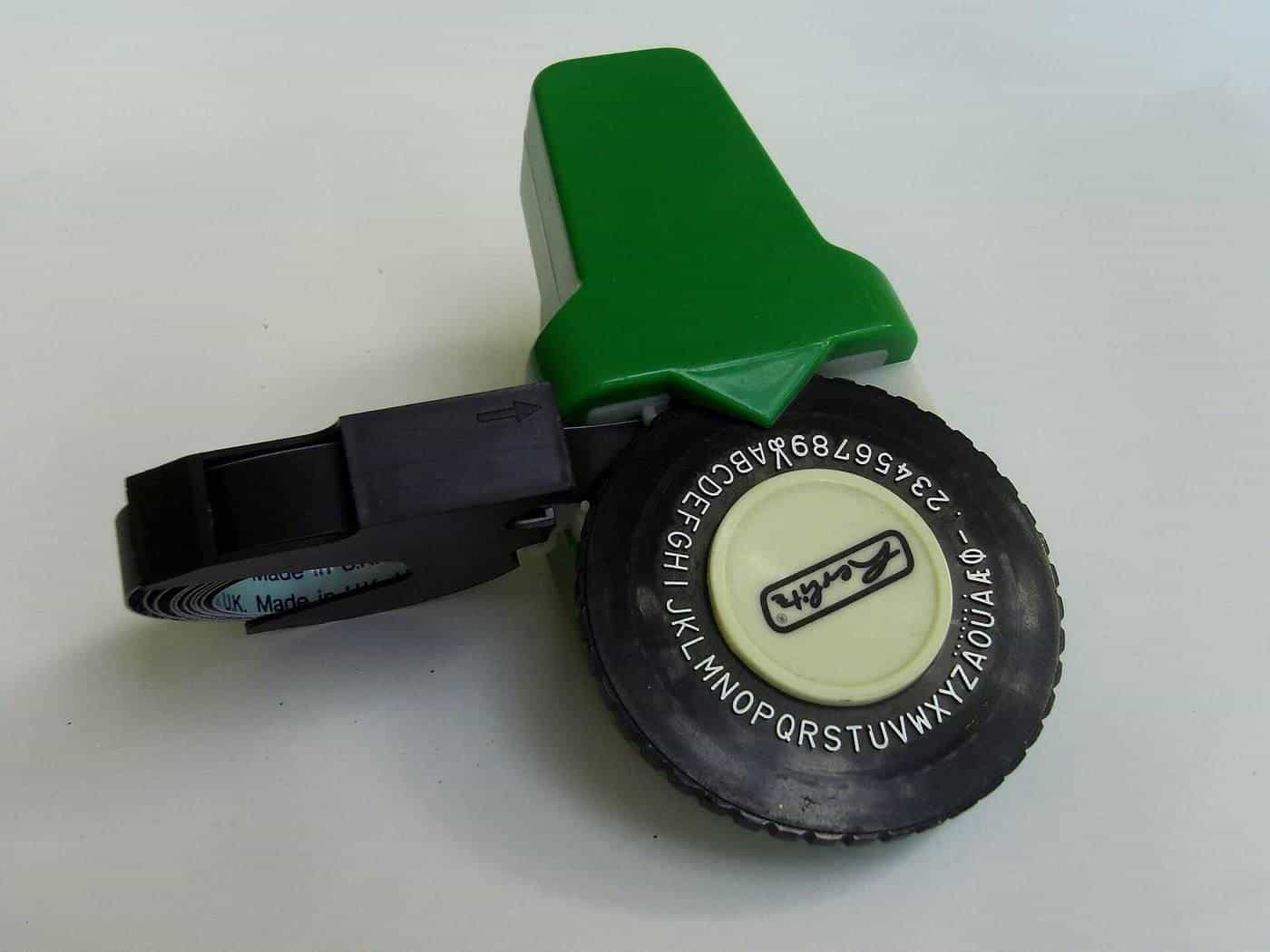
Handheld and desktop label makers print onto tape cartridges and are ideal for filing, cables, shelves and tool storage. Thermal label printers, which use heat-sensitive labels rather than ink, are popular for shipping labels and barcodes, and for small businesses printing many labels quickly. Thermal labels can fade with heat and light over time, so they suit shorter-term uses.
Planning a sheet
Before buying sheets or setting up a full-sheet layout, work out how many labels fit. Our sticker sheet planner calculates how many stickers of a given size fit on an A4 or custom sheet with your chosen gap and margin, and whether rotating them fits more.
When to use a print shop
Home printing makes sense for small, flexible, short-term jobs. A print shop is usually better when you need:
- larger quantities, where cost per label is lower;
- custom die-cut shapes at volume;
- exact brand colours or white ink on clear;
- specialty finishes such as metallic, holographic or soft-touch;
- long outdoor life or chemical resistance;
- labels on rolls for applicator machines.
Ask for a sample pack of materials so you can test how they look and stick on your product.
Safety and good practice
- Don't put sheets not designed for your printer through it; they can melt or jam.
- Follow the manufacturer's instructions for cleaning and maintenance.
- Read the label and safety data sheet for any adhesive remover or solvent you use; Safe Work Australia explains these documents set out hazards and safe handling.
- Only print images, logos and fonts you have the right to use, as IP Australia explains copyright protects original works.
Troubleshooting common problems
Labels peel inside the printer. Use sheets designed for your printer type, don't reuse partly used sheets in laser printers (exposed adhesive can stick to the fuser), and store sheets flat.
Ink smudges. Let inkjet prints dry fully, check you've selected the right paper type in the print settings, and consider a laminate.
Colours look dull. Choose the paper type that matches the sheet in your print settings, use a higher quality setting, and remember that clear sheets make colours look lighter.
Labels don't stick well. Clean the surface, check the adhesive suits it (some plastics and textured surfaces need high-tack adhesives), and apply firmly at room temperature.
Sheets curl. Store sheets flat in their packaging, away from heat and humidity.
Keeping costs under control
Without quoting prices, a few habits keep home labelling economical:
- plan layouts to use whole sheets, using our sheet planner;
- print a test on plain paper before using label sheets;
- buy sheets in the layout you use most;
- save partly used sheets for inkjet printers only, and only if the manufacturer allows it;
- compare the cost per label of home printing with a print shop quote once your volumes grow.
Organising with labels
Home and office labelling isn't only for products. Label makers and printed sheets are useful for pantry jars, storage tubs, cables, filing, school books and tool walls. For organising, durability matters less than legibility: use a clear font at a size you can read from where you'll stand, and consider colour coding by category.
Key points
- Buy inkjet sheets for inkjet printers and laser sheets for laser printers.
- Use the template matching your sheet code and print at 100% scale.
- Test on plain paper and check alignment before printing labels.
- Use waterproof film and overlaminate for more durable labels.
- Use a print shop for volume, special finishes and long outdoor life.
Frequently asked questions
Can I print stickers on a normal printer?
Yes, using label or sticker sheets designed for your printer type. Inkjet sheets and laser sheets are different, so buy the type that matches your printer.
Why don't my labels line up with the template?
Printers can shift slightly and scale pages. Make sure 'fit to page' or scaling is off, use the template that matches the sheet's code, and print a test on plain paper first.
Are home-printed stickers waterproof?
Standard inkjet prints on paper aren't. Waterproof inkjet or laser films, plus a clear overlaminate, help. For outdoor or wet uses, a print shop with durable materials may be better.
What size is an A4 sheet?
A4 is 210 × 297 mm under the ISO 216 international paper size standard, which Australia uses.
When should I use a print shop instead?
For large quantities, custom die-cut shapes, special finishes, exact colour matching or long outdoor life, a print shop is usually more practical.
Sources and further reading
Facts on this page were checked against these primary and official sources. Conditions change — confirm before you travel or buy.
- ISO 216 paper sizes — International Organization for Standardization
- Safety data sheets — Safe Work Australia
- Copyright basics — IP Australia